Apps and sites, together
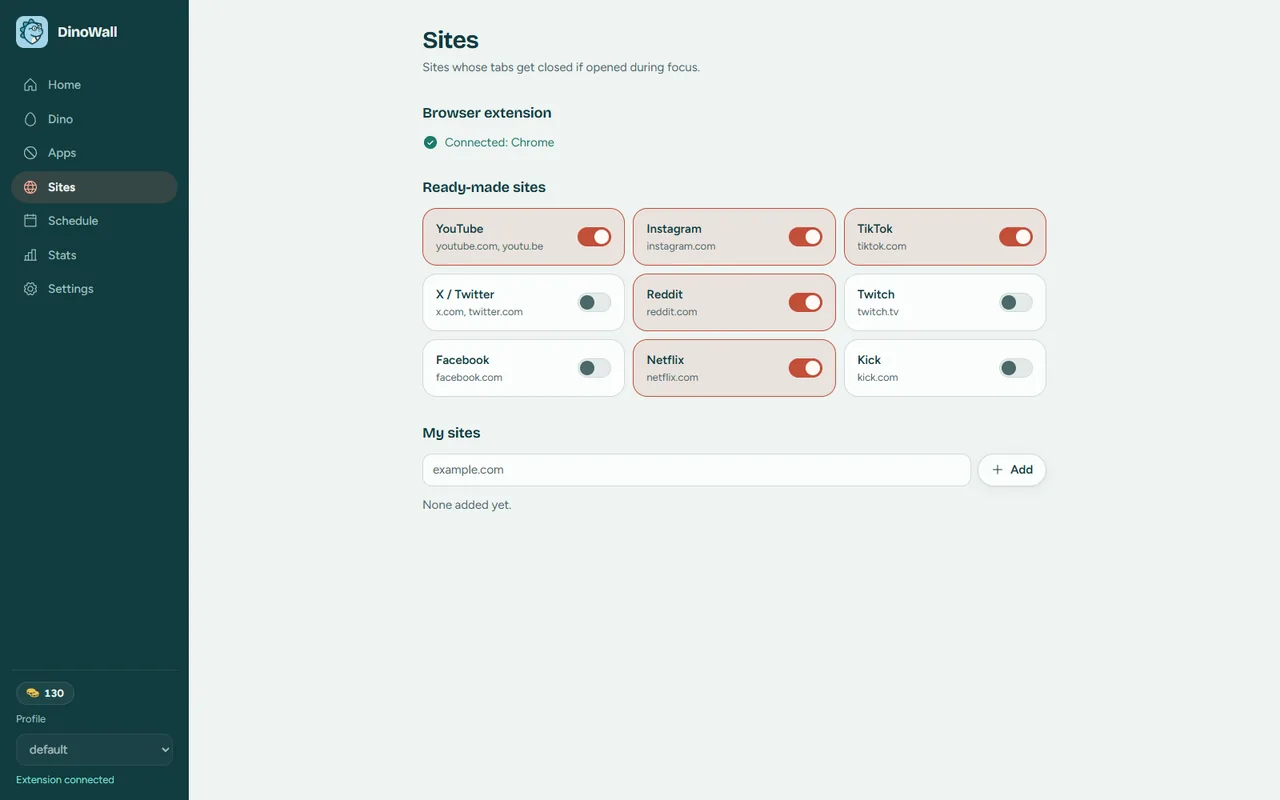
Closes game launchers and kicks blocked sites out of your tabs with the browser extension. Works in Chrome, Edge, Brave and Firefox.
Your account has been deleted.
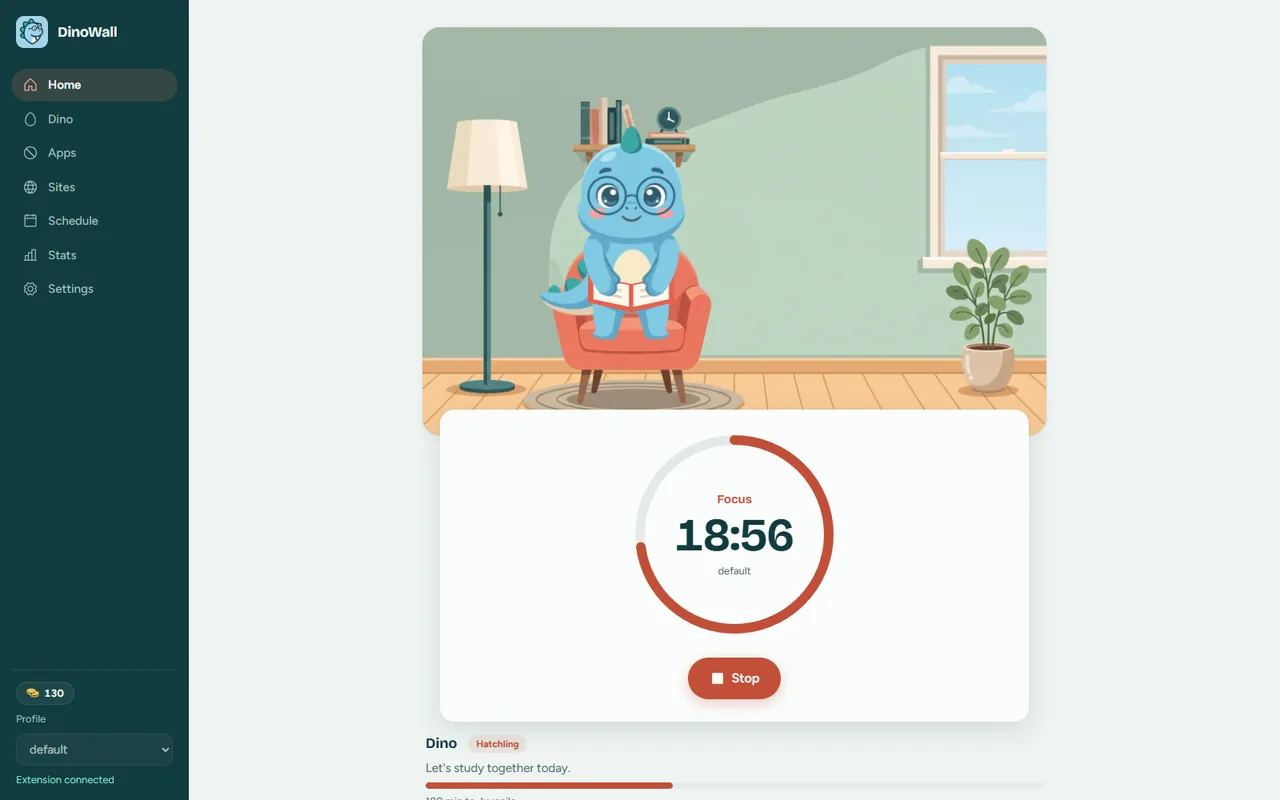
A Windows app that shuts down games and distracting sites during a focus session, with a dinosaur that studies right beside you.

Choose the games and sites to block. Steam, Riot, Epic, YouTube and Instagram are already on the list.
Start a 25, 50 or 90 minute session. Add Pomodoro breaks if you like.
Anything blocked gets closed. When the session ends, everything goes back to normal.
Closes game launchers and kicks blocked sites out of your tabs with the browser extension. Works in Chrome, Edge, Brave and Firefox.
The session can't be stopped early. If you really want out, you wait 60 seconds and type a sentence.

Dino levels up as you focus and unlocks new hats, glasses and shirts for its wardrobe. It waits for you in a little armchair in the corner of your desktop.
Your focus time, block lists and Dino live only on your own computer. An account is optional.
Free. For Windows 10 and 11. New versions install themselves from inside the app.